
Quick answer: the simplest Tailwind CSS accordion uses the native <details> and <summary> elements. The browser handles opening, closing and keyboard support, and Tailwind's open: and group-open: variants style each state. Give every <details> the same name attribute if only one panel should be open at a time.
This guide starts with a working example, then covers the markup, the variants that style it, how to animate it, dark mode, and when you need a JavaScript accordion instead. At the end are FAQ and feature layouts from the OpenTailwind library that use the same pattern.
A working accordion
Complete HTML, CSS, and JavaScript
Use your compiled Tailwind stylesheet in place of /examples/tailwind.css. The example uses Tailwind CSS 4 utilities and vanilla JavaScript.
<!doctype html>
<html lang="en"><head><meta charset="utf-8"><meta name="viewport" content="width=device-width,initial-scale=1"><meta name="robots" content="noindex,follow"><title>An accordion built on details and summary</title><link rel="stylesheet" href="/examples/tailwind.css"><style>body{font-family:system-ui,sans-serif;background:#faf9f6;color:#252824;padding:24px}button{cursor:pointer}button:disabled{cursor:wait;opacity:.6}:focus-visible{outline:3px solid #4f46e5;outline-offset:4px}summary::-webkit-details-marker{display:none}</style></head><body><div class="mx-auto max-w-xl divide-y divide-stone-200 rounded-2xl border border-stone-200 bg-white">
  <details name="faq" class="group p-5" open>
    <summary class="flex cursor-pointer list-none items-center justify-between gap-4 font-semibold">
      Can I cancel at any time?
      <span aria-hidden="true" class="text-xl leading-none transition-transform group-open:rotate-45">+</span>
    </summary>
    <p class="mt-3 text-stone-600">Yes. Your plan stays active until the end of the billing period.</p>
  </details>
  <details name="faq" class="group p-5">
    <summary class="flex cursor-pointer list-none items-center justify-between gap-4 font-semibold">
      Do you offer a free trial?
      <span aria-hidden="true" class="text-xl leading-none transition-transform group-open:rotate-45">+</span>
    </summary>
    <p class="mt-3 text-stone-600">Every account starts with 14 days of full access. No card is needed.</p>
  </details>
  <details name="faq" class="group p-5">
    <summary class="flex cursor-pointer list-none items-center justify-between gap-4 font-semibold">
      Can I import data from a spreadsheet?
      <span aria-hidden="true" class="text-xl leading-none transition-transform group-open:rotate-45">+</span>
    </summary>
    <p class="mt-3 text-stone-600">Yes. Upload a CSV file and match its columns to your fields.</p>
  </details>
</div>
<p class="mx-auto mt-4 max-w-xl text-sm text-stone-600">Sample questions for demonstration. No JavaScript is used.</p></body></html>
Open the second question and the first one closes. That behavior comes from name="faq" on each <details> element, not from a script. Browsers that do not support the name attribute still open and close each panel; they just allow several to be open at once.
The markup, piece by piece
<details name="faq" class="group border-b border-neutral-200 py-5">
  <summary class="flex cursor-pointer list-none items-center justify-between gap-4 font-semibold">
    Can I cancel at any time?
    <span aria-hidden="true" class="transition-transform group-open:rotate-45">+</span>
  </summary>
  <p class="mt-3 text-neutral-600">Yes. Your plan stays active until the end of the billing period.</p>
</details><details>is the container. Add theopenattribute to show a panel on page load.<summary>is the clickable heading. It is focusable and toggles with Enter or Space without any extra code.list-noneremoves the default triangle in Firefox and Chrome. Safari also needssummary::-webkit-details-marker { display: none; }in your CSS.groupon<details>lets children react to its state withgroup-open:. Here it turns the plus sign into a cross.aria-hidden="true"on the icon keeps screen readers from announcing "plus" after every question.
Styling the open state
Tailwind CSS has a built-in open: variant that matches the [open] attribute. Use it on the <details> element itself, and group-open: on anything inside it.
<details class="group rounded-xl border border-neutral-200 p-5 open:border-indigo-300 open:bg-indigo-50/50">
  <summary class="flex cursor-pointer list-none items-center justify-between font-medium group-open:text-indigo-700">
    What payment methods do you accept?
    <svg aria-hidden="true" class="size-5 transition-transform group-open:rotate-180" viewBox="0 0 20 20" fill="currentColor">
      <path d="M5.3 7.3a1 1 0 0 1 1.4 0L10 10.6l3.3-3.3a1 1 0 1 1 1.4 1.4l-4 4a1 1 0 0 1-1.4 0l-4-4a1 1 0 0 1 0-1.4Z"/>
    </svg>
  </summary>
  <p class="mt-3 text-neutral-600">Cards, bank transfer and invoices for annual plans.</p>
</details>
Use a chevron that rotates 180 degrees, or a plus that rotates 45 degrees into a cross. Pick one and use it on every accordion on the site.
Animating the panel height
Browsers have historically opened <details> instantly, because CSS could not transition to height: auto. Two options work today:
- CSS only, newer browsers. Chrome and Edge support
interpolate-size: allow-keywordsand the::details-contentpseudo-element. Other browsers ignore these rules and open the panel without animation, which is an acceptable fallback. - A small script. If the animation must work everywhere, measure the content height in JavaScript and animate it with the Web Animations API. Keep the native elements so the accordion still works if the script fails.
/* Progressive enhancement: animates in browsers that support it */
@media (prefers-reduced-motion: no-preference) {
  :root { interpolate-size: allow-keywords; }
  details::details-content {
    block-size: 0;
    overflow-y: clip;
    transition: block-size 250ms ease, content-visibility 250ms allow-discrete;
  }
  details[open]::details-content { block-size: auto; }
}
The prefers-reduced-motion query skips the animation for people who have asked their system for less motion.
Dark mode
Add dark: variants for the border, text and open background. Muted answer text is where contrast usually fails, so check it in both themes.
<details class="group border-b border-neutral-200 py-5 dark:border-neutral-800">
  <summary class="... text-neutral-900 dark:text-white">Question</summary>
  <p class="mt-3 text-neutral-600 dark:text-neutral-400">Answer</p>
</details>
For a class-based theme toggle in Tailwind CSS v4, see the dark mode guide.
When to use a JavaScript accordion
Native <details> covers most FAQ and settings pages. Reach for the WAI-ARIA accordion pattern, with buttons that set aria-expanded, when you need one of these:
- Arrow-key navigation between headers, which some application interfaces expect.
- Headings with a specific level wrapping each trigger, so the questions appear in a screen reader's heading list.
- State controlled by your framework, for example opening a panel from the URL or saving which panels were open.
In React or Vue, Headless UI's Disclosure and Radix's Accordion provide this behavior unstyled, and you add the Tailwind classes. Our component library comparison covers both.
Do accordions hide content from search engines?
Text inside a closed <details> is in the HTML, so search engines and AI assistants can read it. Content that is only fetched when a panel opens is different: if it is not in the initial HTML, crawlers may never see it. Render answers on the server.
If the page is a real FAQ, you can also describe it with FAQPage structured data. Google shows FAQ rich results only for a limited set of authoritative sites, so treat the markup as a description of the page rather than a guaranteed search feature.
Accordion layouts in the OpenTailwind library
These FAQ and feature sections use the same pattern. Open a preview to change colors and fonts. Copying the HTML requires an account: blocks marked Free are included with a free account, and Pro unlocks the rest.
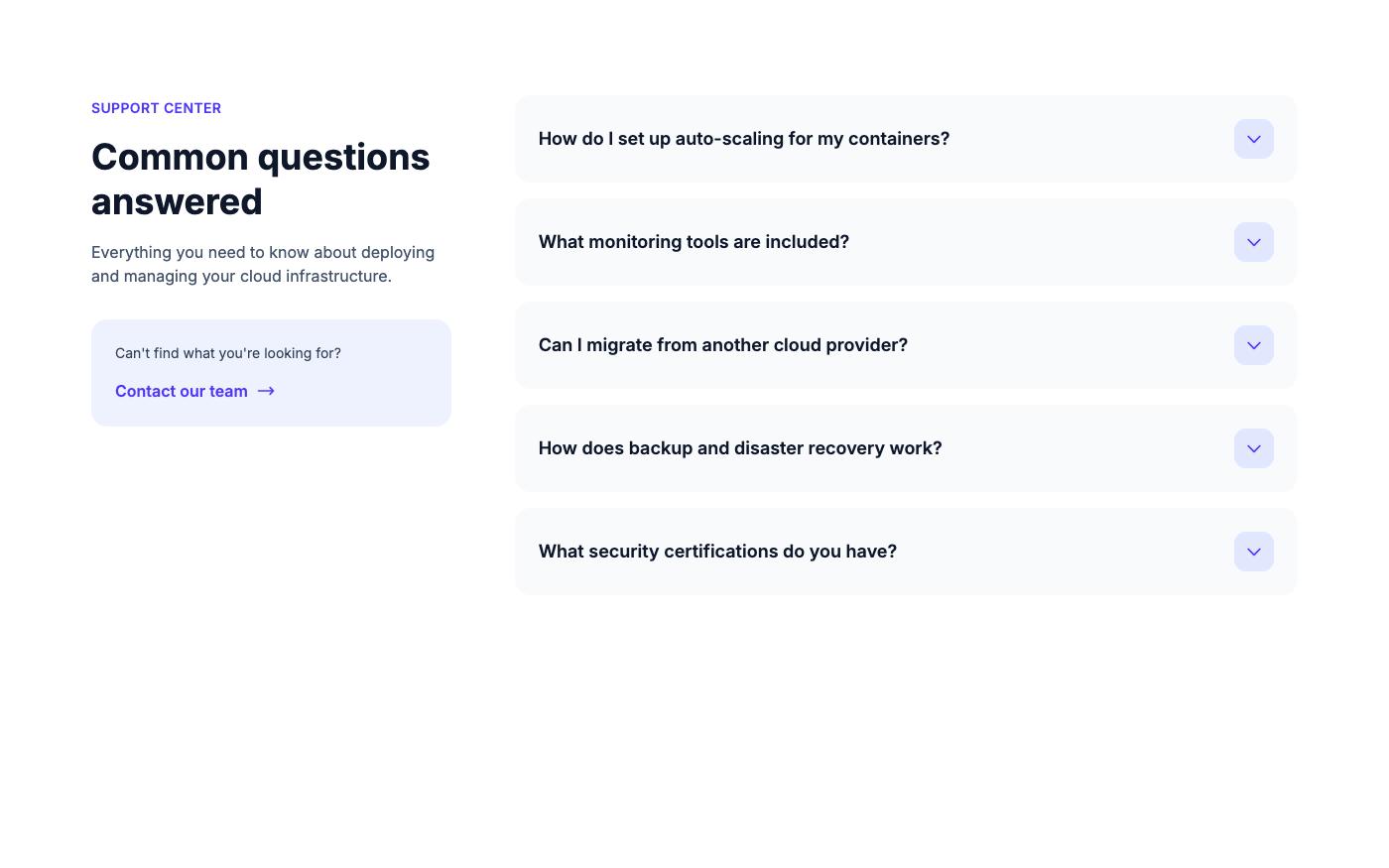
Simple accordion list
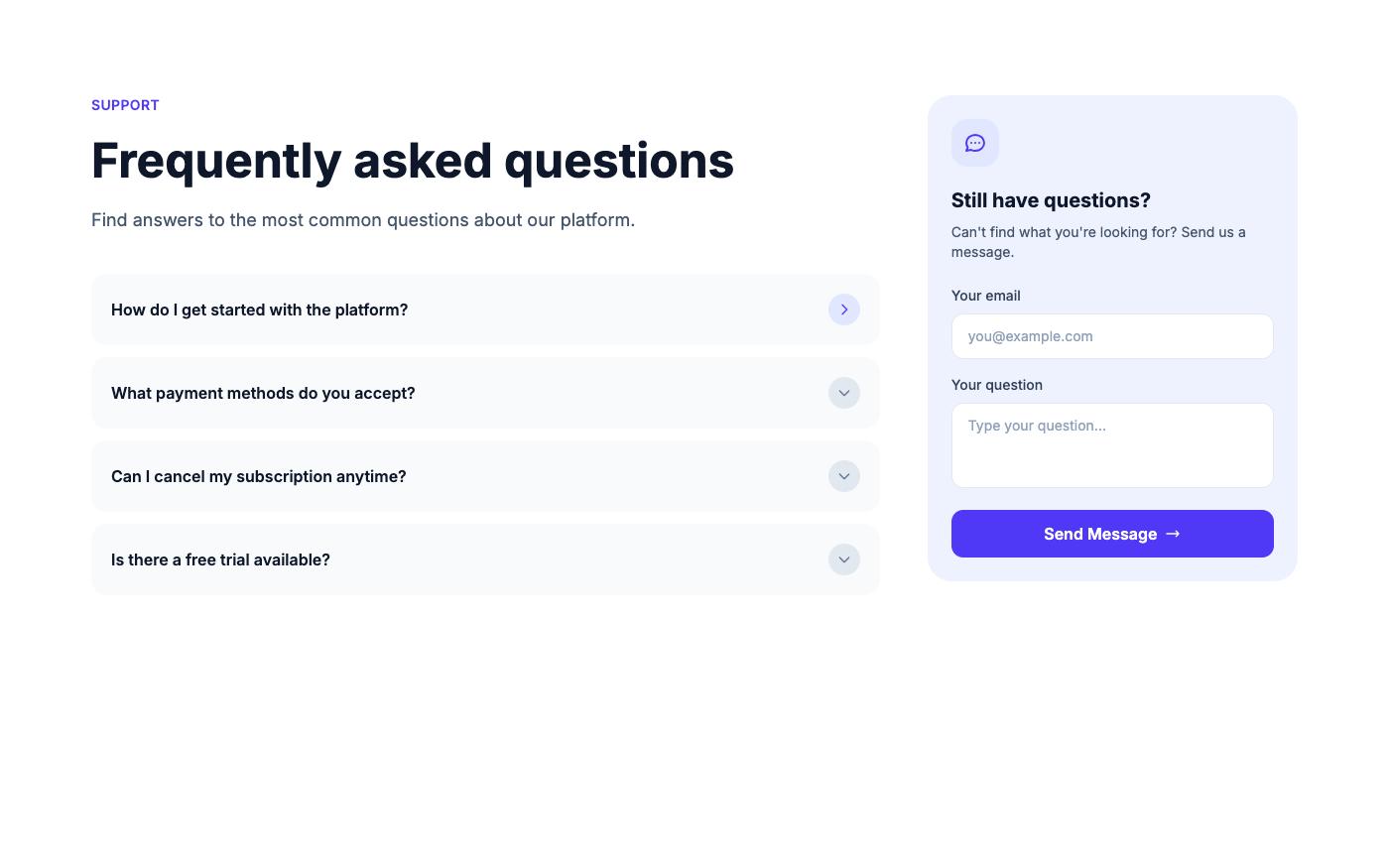
Accordion with contact form (Free)
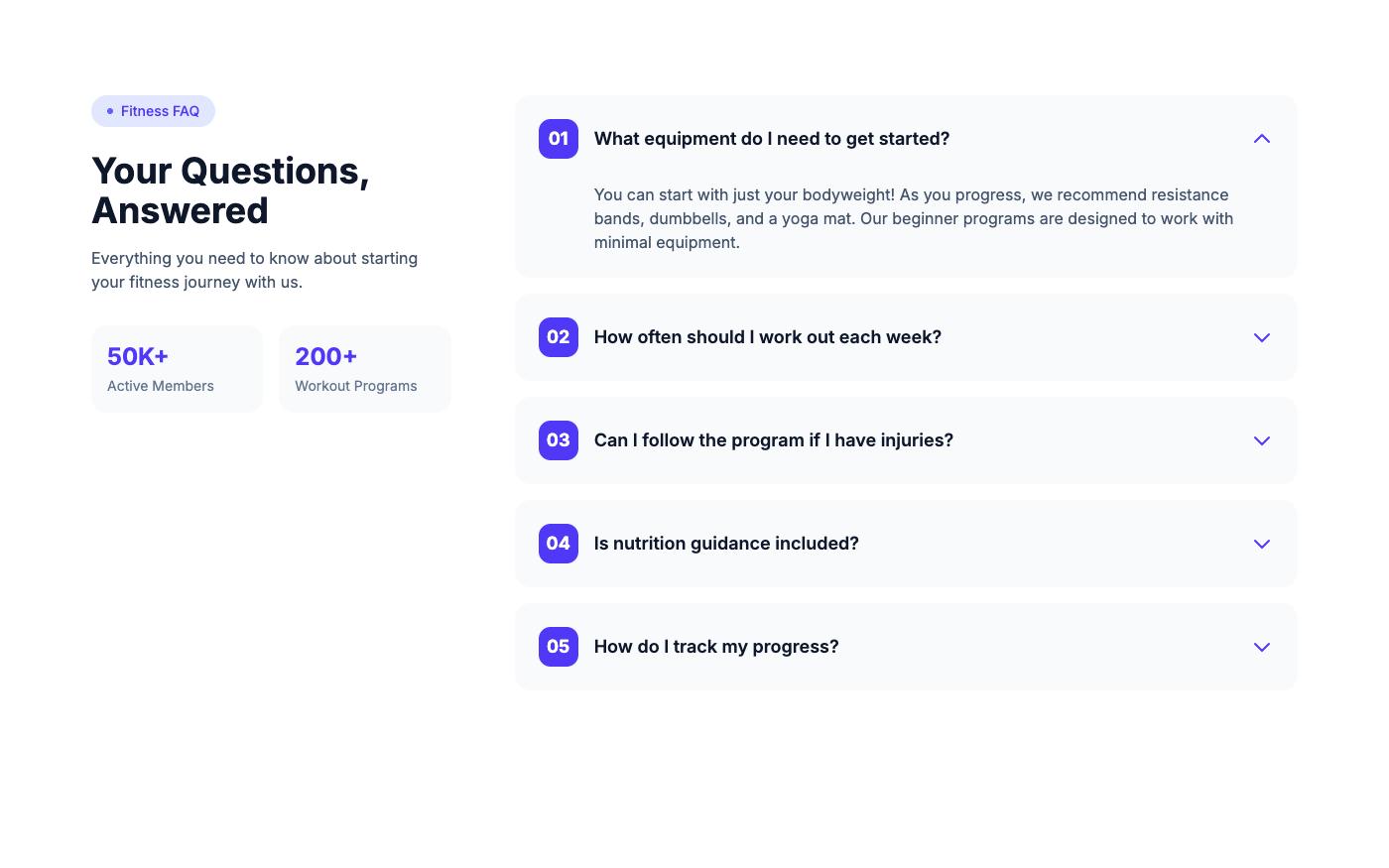
Numbered bordered accordion
Categorized accordion
Group long FAQs under headings such as Billing, Accounts and Security. Preview the categorized accordion, or browse every layout in the FAQ block collection. For accordions that reveal product features with an image, see the feature accordion with image (Free).
Accordion checklist
- Each
<summary>contains the full question, not just "More". - The marker is hidden in all browsers, including Safari.
- The icon is decorative (
aria-hidden) and changes with the open state. - Answer text meets contrast requirements in light and dark mode.
- Animations are skipped when the user prefers reduced motion.
- Answers are in the server-rendered HTML.
- Important information, such as pricing conditions, is not hidden only in a closed panel.
FAQ
Does a details and summary accordion need JavaScript?
No. Opening, closing and keyboard support are built into the browser. You only need JavaScript for animations that must work in every browser or for state that your application controls.
How do I keep only one accordion item open?
Give each <details> in the group the same name attribute. Browsers that support it close the other panels when one opens.
Can I use Alpine.js instead?
Yes. A common pattern is x-data="{ open: false }" on the item, a button with @click="open = !open" and :aria-expanded="open", and x-show="open" on the panel. Native <details> needs less code if you do not already use Alpine.
How do I open an accordion item from a link?
Give the <details> an id and link to it with a hash. Chromium-based browsers open a closed <details> when find-in-page or a fragment link targets content inside it. For other browsers, add a short script that sets open on the matching element when the page loads.
Related: Tailwind CSS tabs show one panel at a time with horizontal navigation, and the accessibility checklist covers focus styles and contrast for every interactive component.